Hreflang is a hint, not a ranking signal. A hreflang implementation guide: the four mistakes that break it, where it should live and how to validate it.
Hreflang is a hint to Google that a set of URLs are the same page for different audiences. It’s not a ranking signal and it won’t fix duplicate content on its own. That is worth saying before anyone touches markup, because hreflang is widely misunderstood, and understandably so. Google’s documentation on it is thin, and expecting a tag called hreflang to sort out international rankings is a reasonable expectation. The broken implementations I see usually started from that expectation, not from carelessness.
Last year we looked at a large company with an enormous product inventory and hreflang across every market, implemented carefully. Google couldn’t crawl most of the pages, so the markup could not help, because Google never reached the pages it sat on. The hreflang work was sound. The problem was one level up.
This is the guide I’d hand a developer before they start: how hreflang works, the four mistakes that break it, where it should live on each CMS, a safe sequence with a validation step, regional English and x-default, and what to do when you can’t control the head.
The short version
- Hreflang is not a ranking signal. It only routes an already-earned ranking to the right country or language version, and it does nothing if Google can't crawl the pages in the first place.
- The four mistakes that break most implementations are missing return links, wrong or invalid language and region codes, tags pointing at non-canonical URLs, and running two different methods, head tags and a sitemap say, at once.
- Clear Click runs international SEO including hreflang audits; see how to validate an implementation and where we fit further down.
What does hreflang actually do, and what doesn’t it do?
Technically, an hreflang annotation is a rel="alternate" link that pairs a URL with a language, and optionally a region. When Google has indexed several versions of a page, the set of annotations tells it which version belongs in front of which searcher. In plain English: the cluster earns its ranking once, and hreflang decides which member shows up in Sydney, Chicago or Manchester. No authority is added.
Google calls it a hint for a reason. If the annotations contradict the canonical tags, the redirects or the content itself, Google ignores them and makes its own decision. A UK page outranking the Australian page in Australia is the classic symptom of hreflang that has silently failed.
Duplicate content is the other misunderstanding. If your en-GB and en-US pages are 98% identical, hreflang tells Google the duplication is deliberate and which copy to serve where. It does not stop Google folding them into one if the canonical signals say they are the same page. Hreflang is routing. The canonical is identity. Each version needs a self-referencing canonical or the routing is thrown away.
One steer that can save a developer day. If you run a 30-page B2B site with a .co.uk in English and a .de in German, you probably don’t need hreflang at all. Google can tell German from English, and a country domain is a strong country signal already. Hreflang earns its place when one language serves more than one country, or when several languages share a single domain. Outside those two cases, spend the developer day on something that moves revenue.
Which four mistakes break hreflang on most sites?
I have audited a fair few multi-market sites and the failures cluster into four buckets.
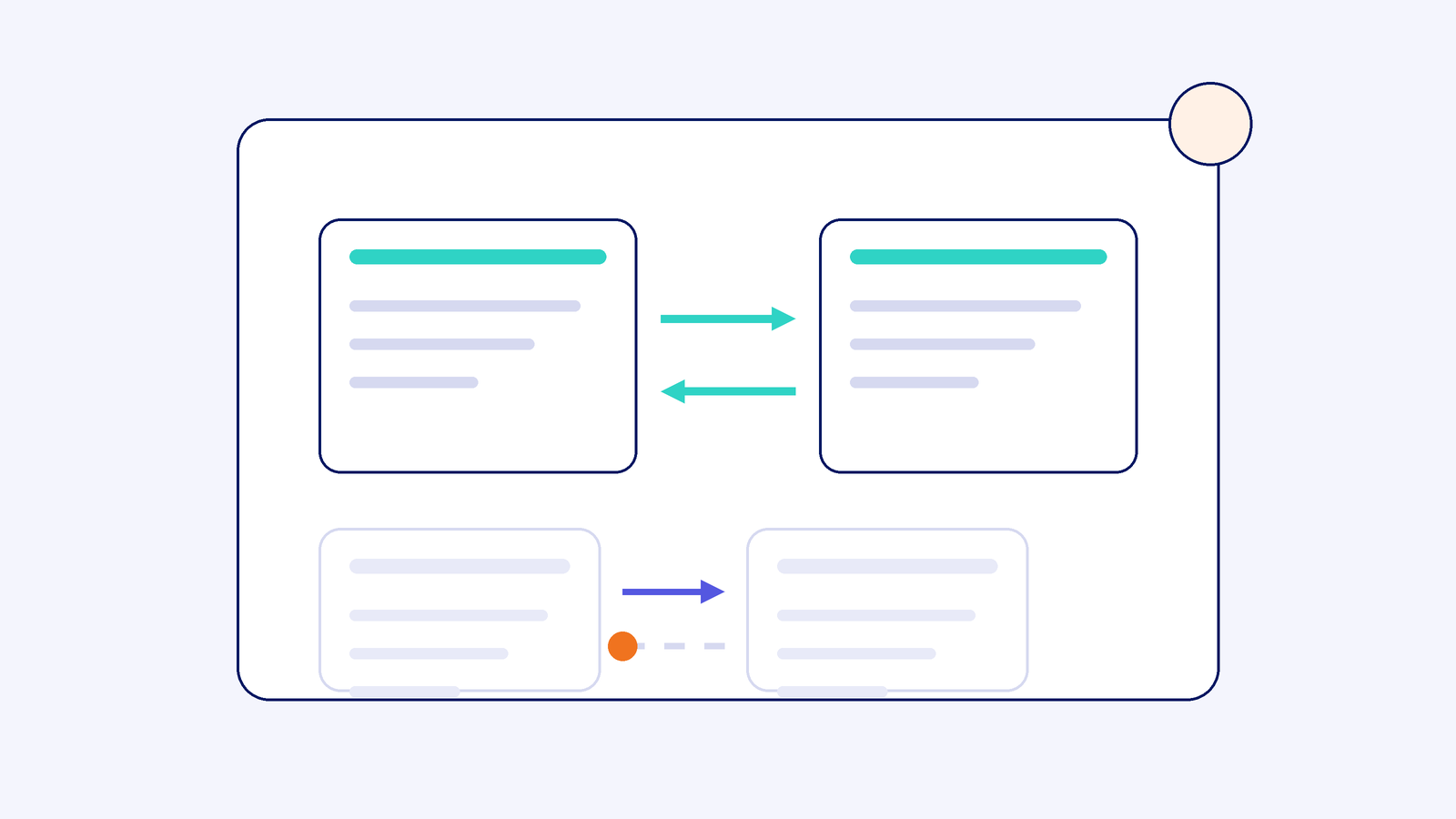
1. Missing return links. The rule is simple: if page X lists page Y, page Y must list page X, and every page must list itself. One-sided pairs are dropped. This is the most common failure, and the usual cause is boring: a template was updated in one market and not the other, or a new market was added and the existing pages were not regenerated.
2. Wrong or unrecognised codes. Language codes are ISO 639-1 and region codes are ISO 3166-1 alpha-2. The United Kingdom is GB, so the correct value is en-GB. en-UK is invalid and is ignored without a warning. en-EU is invalid too, because the EU is not a country. And a bare uk is the language code for Ukrainian, so it is an easy one to get wrong. I have seen a British site tell Google its pages were written for Ukrainian speakers, and nothing in the platform flagged it.
3. Pointing at non-canonical or redirected URLs. Every href in the set has to be the final, indexable, self-canonical URL, absolute and including https. Point at the http version, a redirecting trailing-slash variant, or a page whose canonical points elsewhere, and you have told Google “this is the UK version” while the UK version says “I’m not the real page”. Contradiction, hint dropped.
4. Mixing methods. Head tags on some templates, sitemap annotations on others, and a translation plugin adding a third set of its own. When two sources disagree, Google trusts neither and you spend a week working out which one to believe. This one usually accumulates over a few years and a few suppliers rather than being anyone’s decision. Pick one home and keep it there.
Where should hreflang live: head, sitemap or HTTP header?
Google accepts three homes and treats them equally. For most B2B sites, fewer than ten markets on a templated CMS, put it in the head. It is the easiest to inspect: view source, and it is either there or it isn’t. Each page carries the complete set including itself and x-default, and the same block appears on every member of the cluster:
<link rel="alternate" hreflang="en-GB" href="https://example.com/uk/pricing/">
<link rel="alternate" hreflang="en-US" href="https://example.com/us/pricing/">
<link rel="alternate" hreflang="de-DE" href="https://example.com/de/preise/">
<link rel="alternate" hreflang="x-default" href="https://example.com/pricing/">
For large sites, thousands of URLs across many markets, use the XML sitemap. It keeps page weight down, puts the whole map in one file you can diff, and can be generated from the database that produced the pages. One entry looks like this, with the xhtml namespace declared in the urlset and every version listed, itself included:
<url><loc>https://example.com/uk/pricing/</loc>
<xhtml:link rel="alternate" hreflang="en-GB" href="https://example.com/uk/pricing/"/>
<xhtml:link rel="alternate" hreflang="en-US" href="https://example.com/us/pricing/"/>
<xhtml:link rel="alternate" hreflang="x-default" href="https://example.com/pricing/"/></url>
For anything that is not HTML, a PDF price list say, the HTTP header is the only option. The server sends a Link response header with each file:
Link: <https://example.com/uk/guide.pdf>; rel="alternate"; hreflang="en-GB", <https://example.com/us/guide.pdf>; rel="alternate"; hreflang="en-US", <https://example.com/guide.pdf>; rel="alternate"; hreflang="x-default"
What about Webflow, Shopify, WordPress and headless?
Webflow. Native Localization writes head hreflang for each locale automatically, so leave it alone and check the rendered source. If you run separate Webflow sites per market, you are adding head code page by page from a spreadsheet, and I would rather see that spreadsheet turned into a custom sitemap than 200 pasted blocks that drift.
Shopify Markets. Shopify generates hreflang for every market and language it knows about, with x-default pointing at your primary market. The failure I see is a translation app injecting a second set that disagrees with Shopify’s own. Remove one. There is more on how Markets shapes the whole international set-up in our Shopify Markets international SEO guide.
WordPress. WPML and Polylang both output head tags once a translation is linked to its original. There are three places it comes apart, none of them visible from the editor: a translation exists but was never linked as a translation, so it has no siblings; a translation is unpublished, so it points at a 404; or a second plugin is also outputting tags. Yoast does not write hreflang, which surprises a lot of people, so if that is the plan, nothing is being output.
Headless. Hreflang has to come from the content model. Every localised entry needs a reference to its siblings, and the layout and the sitemap generator both read from that one query. Two sources built on two sprints is how mistake four happens.
How do you implement hreflang safely?
When a project goes wrong it is usually at the inventory stage, not in the markup, which is good news, because the inventory is a spreadsheet.
Decide whether you need it. One language across several countries, or several languages on one domain. Otherwise stop here.
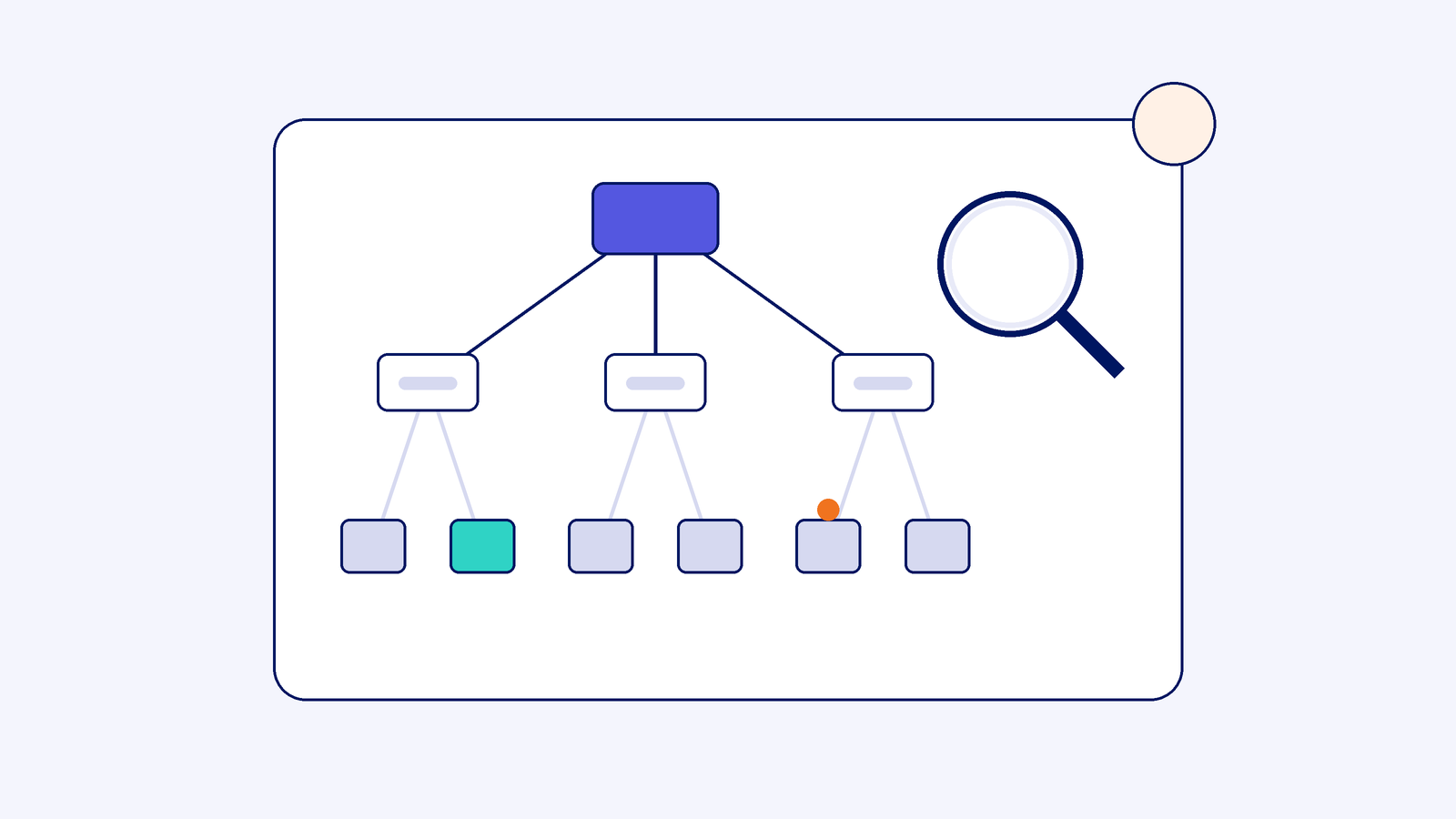
Map the clusters before writing a tag. One sheet, one row per page, one column per market, the canonical URL in each cell. Where a page does not exist in a market, leave the cell empty. Do not point the gap at that market’s homepage, which tells Google the homepage is a translation of your pricing page.
Assign codes and choose x-default from the map. Language first, region second, x-default on whichever URL you want people outside your listed markets to land on.
Generate, never hand-write. A 200-template site with four markets is 800 URLs carrying five annotations each, 4,000 tags. Hand-written tags drift the first time a URL changes. Produce the output from the sheet or the database by script, and regenerate it whenever a URL or market changes.
How do you validate hreflang before and after launch?
The International Targeting report in Search Console was retired in 2022, so nothing in Search Console will tell you your tags are wrong. You need a crawler.
Crawl staging with Screaming Frog, with hreflang crawling switched on in the spider configuration, and work through the hreflang tab filters: Non-200, Missing Return Links, Non-Canonical, Missing Self Reference, Missing X-Default and Inconsistent Language and Region. The free version covers 500 URLs, enough for a small B2B site. For spot checks on a single page, Merkle’s hreflang testing tool fetches the URL and confirms whether each sibling links back.
Then launch, wait a week or two for a recrawl, and open Search Console Performance filtered by country and page. The result you want is US impressions moving from the UK URL to the US URL. That shift, not a rankings jump, is what working hreflang looks like.
Put a number on it before you commission any of this. If a market’s searchers are landing on the wrong URL for 20% or more of that market’s impressions, the routing problem is costing you conversions and the developer day pays for itself. If it is 2%, spend the day on the keyword research for that market instead.
Whether this is actually costing you traffic is worth checking before you commit a developer day to fixing it. How our SEO audits work
How do you handle en-GB, en-US, en-AU and x-default?
Same language, several countries is the case hreflang was built for, and where Google guesses worst on its own, because the pages look interchangeable to an algorithm and are not interchangeable to a buyer who wants pounds, not dollars.
Tag each version with its full language-region pair: en-GB, en-US, en-AU. Then add a bare en pointing at whichever version English speakers in every other country should see, usually the en-US or en-GB URL. One URL can carry more than one hreflang value. Finally, set x-default for people whose language matches none of your versions. On most B2B sites that is the same URL as your primary market. A country-selector page is the other legitimate choice.
Two things not to do. Do not make x-default a page that redirects people by IP address, because Googlebot mostly crawls from the US and will be redirected too. And do not canonicalise en-US to en-GB because “they’re basically the same”. Google’s guidance is that localised duplicates keep their own self-referencing canonical and use hreflang between them. The moment en-US canonicalises elsewhere, it stops being a version and becomes a duplicate.
What if you can’t control the head?
A locked enterprise CMS, an agency that owns the template, a platform with no per-page head access. You have two decent routes and one poor one.
The first is the sitemap, which only needs you to host and submit a file; verify every domain in Search Console and cross-domain sitemaps work. The second is the HTTP header set at the edge; Cloudflare and most CDNs let you add a Link header per URL pattern without touching the origin. The poor route is injecting link elements through Tag Manager. Google renders JavaScript and can pick tags up that way, but it is slow, inconsistent and hard to debug from a crawl. Treat it as a last resort and plan to replace it.
Whichever route you take, check crawlability first. That large inventory site had its hreflang set up well, and it could not do anything, because the pages sat behind faceted navigation and a crawl budget that ran out long before Google reached them. If Google can’t reach the page, the annotations on it never get read. If that sounds like your site, the fix is technical SEO, not hreflang.
Questions we get asked
Does hreflang help rankings?
No. It routes the ranking you already have to the version built for that searcher. The gain is the right currency, proof and language in front of the right buyer, so conversion improves even when positions do not move.
What happens if hreflang is wrong?
Nothing dramatic and nothing helpful. Google ignores the invalid or one-sided annotations and falls back on its own guess, which is the situation you were trying to fix. There is no penalty, only a silent failure that you will not see without a crawl.
Do I need hreflang for UK and US English?
If both versions exist, yes. Same-language markets are where Google most often shows the wrong version. If only one English version exists, don’t create a second one just to tag it; one good page beats two thin ones.
Can I put hreflang in the sitemap instead of the page?
Yes, and for large sites I prefer it. Google treats the sitemap, the head and the HTTP header as equal. The rule is one method only, so if you move to the sitemap, remove the head tags rather than running both.
How do I check hreflang is working?
Crawl the site with Screaming Frog and clear the hreflang tab filters, then spot check pages with Merkle’s hreflang tool. After launch, watch Search Console Performance by country: each country’s impressions should consolidate onto its own URL within a few weeks.
Does Shopify handle hreflang automatically?
With Shopify Markets, yes, for every market and language you have set up, including x-default. It breaks when a translation app adds its own set on top, or when a market is live but its URLs are not yet indexable. Check the rendered source of one product page per market.
Where we fit
We run international SEO for B2B companies selling into more than one market, and hreflang is one small piece of that. The bigger questions, which markets, which URL structure, which language per country, sit in our international SEO guide. For Hubject, a European EV charging network operating across borders, that combination produced 610% acquisition growth.
610% acquisition growth: That's the scale of growth one European client saw once cross-border SEO fundamentals, hreflang included, were fixed properly.
Source: Clear Click, from work with Hubject
If you suspect your markets are seeing the wrong versions of your pages, get in touch and tell us which CMS you are on. We’ll tell you whether hreflang is the problem or whether something further up the stack is.